Free
One complete profile
For every registered SoftyFy user. No paid license is required for the first profile.
Create isolated browser profiles, assign an individual proxy to each one and keep workspaces organised locally.
Sign in with your SoftyFy account. One profile is free; a paid license removes the profile limit.

BrowseFy · capabilities
Instead of describing features — switch identity and watch what actually changes in the profile. Every row below is a BrowseFy capability, running live.
Profile isolation, demonstrated live
Switching identity isn't cosmetic: every profile has its own fingerprint, network, cookies and extensions — physically isolated from the rest.
Also works underneath, regardless of identity
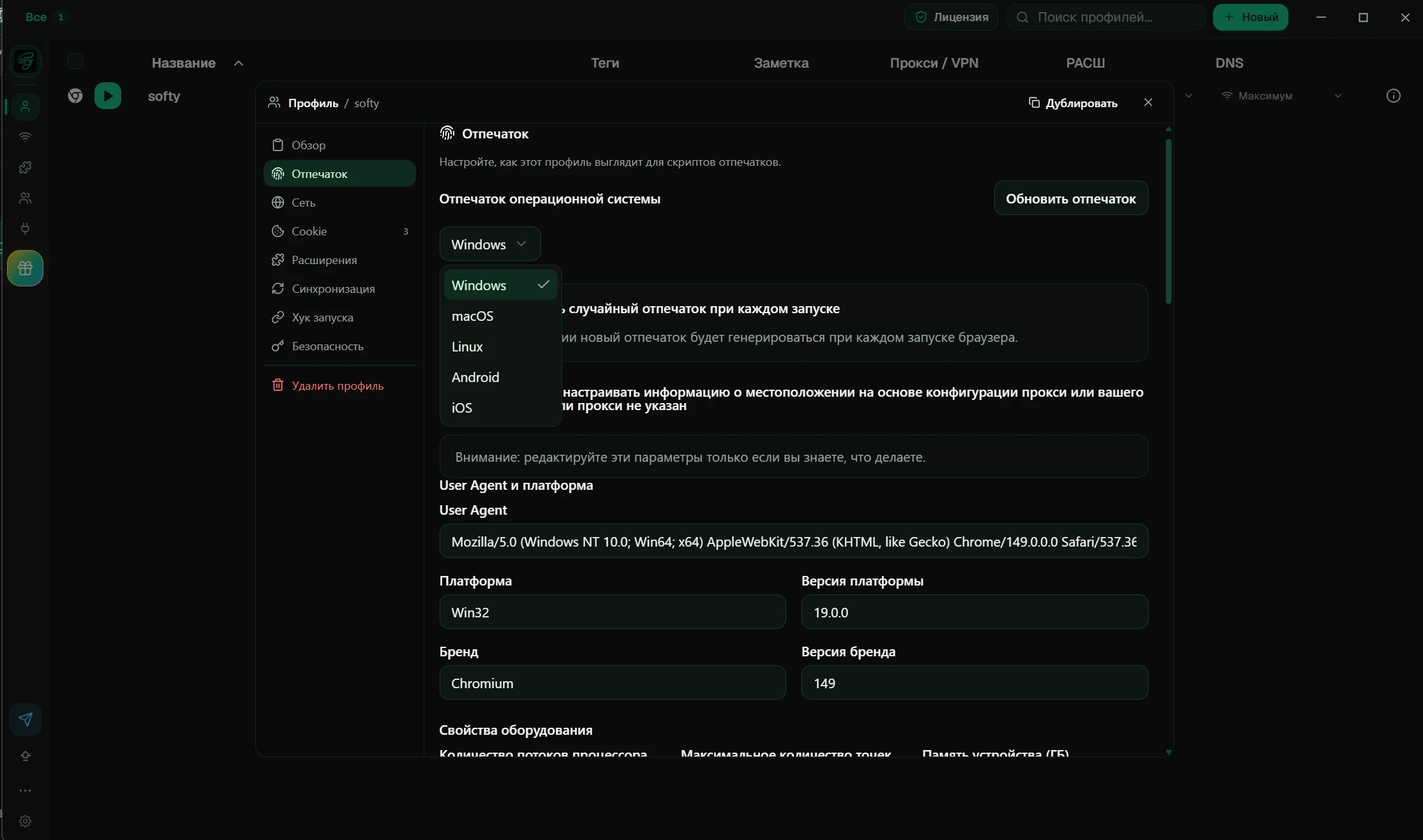
Fingerprint control
Choose the operating system and fine-tune the user agent, platform, hardware, screen, WebGL, timezone and geolocation from one profile window.
Automation
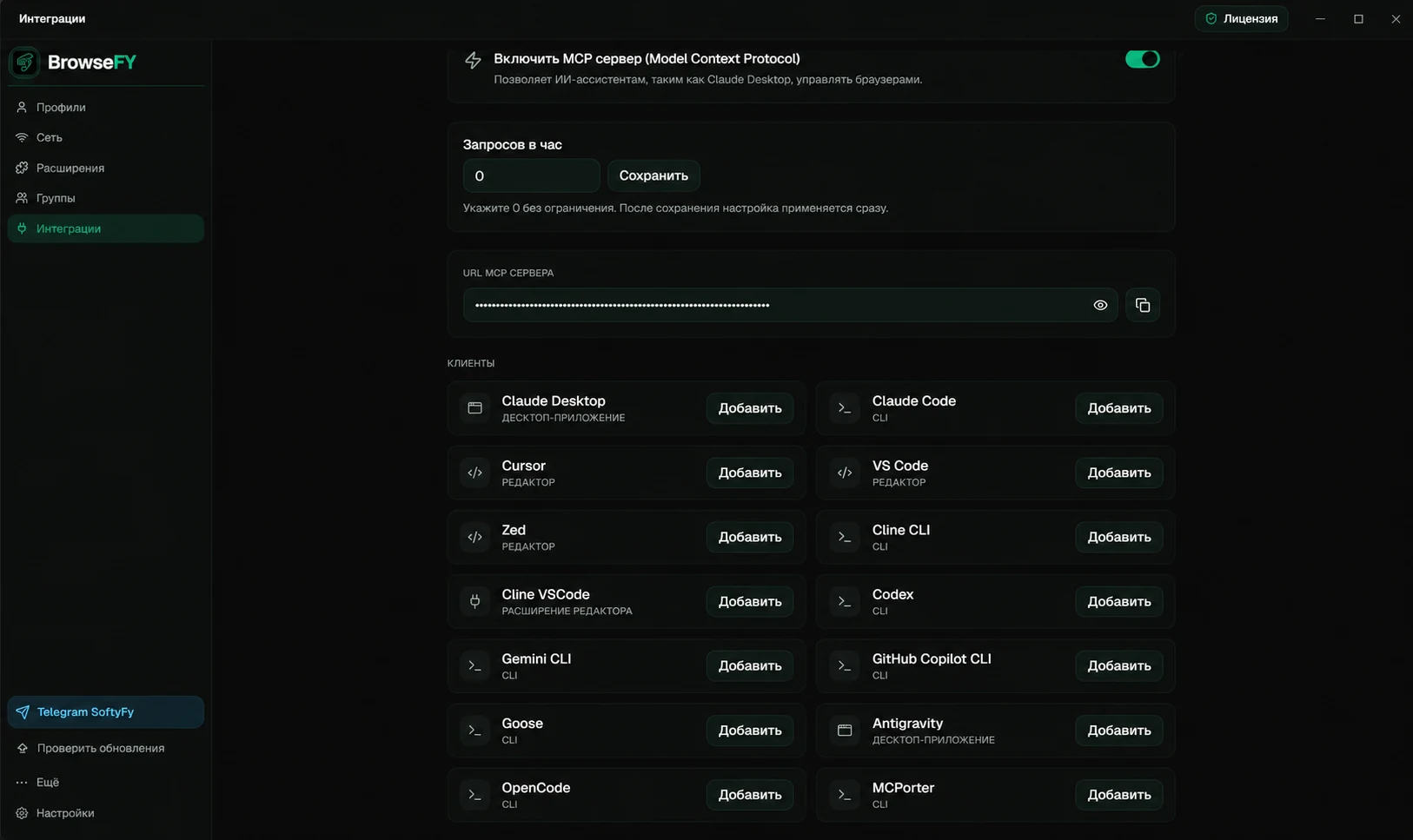
BrowseFy runs its own local interfaces on your machine. Drive profiles from your own scripts, or let an AI assistant do it — nothing leaves your computer.
Create, launch, stop and delete profiles, manage proxies, VPNs, groups and extensions. Ships with an OpenAPI schema, so clients generate themselves.
Connect AI tools over the Model Context Protocol and manage profiles, proxies, groups and Automation Studio: scenarios, schedules, templates, account autofill, Cookie Robot and Script Runner.
Both interfaces are local and off by default — you enable them in the app's Integrations tab.
Clear difference
A straightforward comparison with a typical multi-profile browser, without marketing noise.
Start in minutes
Register on the website or use your existing login.
Download and run the single Windows installer.
Use the same SoftyFy username and password inside BrowseFy.
Configure a browser profile and its own proxy at no charge.
Buy a license on SoftyFy and refresh the plan in the app.
Free
For every registered SoftyFy user. No paid license is required for the first profile.
License
Remove the profile limit and unlock Pro tools, including advanced fingerprint and cookie controls, bulk actions and the action synchronizer.
Install BrowseFy, sign in with SoftyFy and set up an isolated browser workspace with its own proxy.